

Buying a gaming setup, especially the computer itself, can feel overwhelming — with so many components, specs, and options, where do you even begin? Don’t worry — I’ll break it down in clear, simple terms so you know exactly what to look for before you spend your money.
Whether you’re building your own rig or buying a pre-built system, here’s a complete guide to help you choose the right gaming computer.
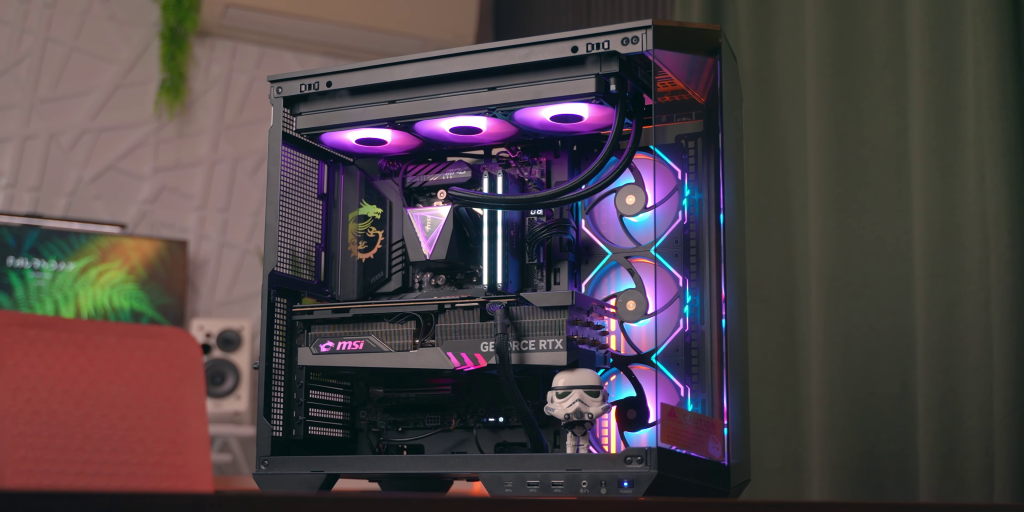
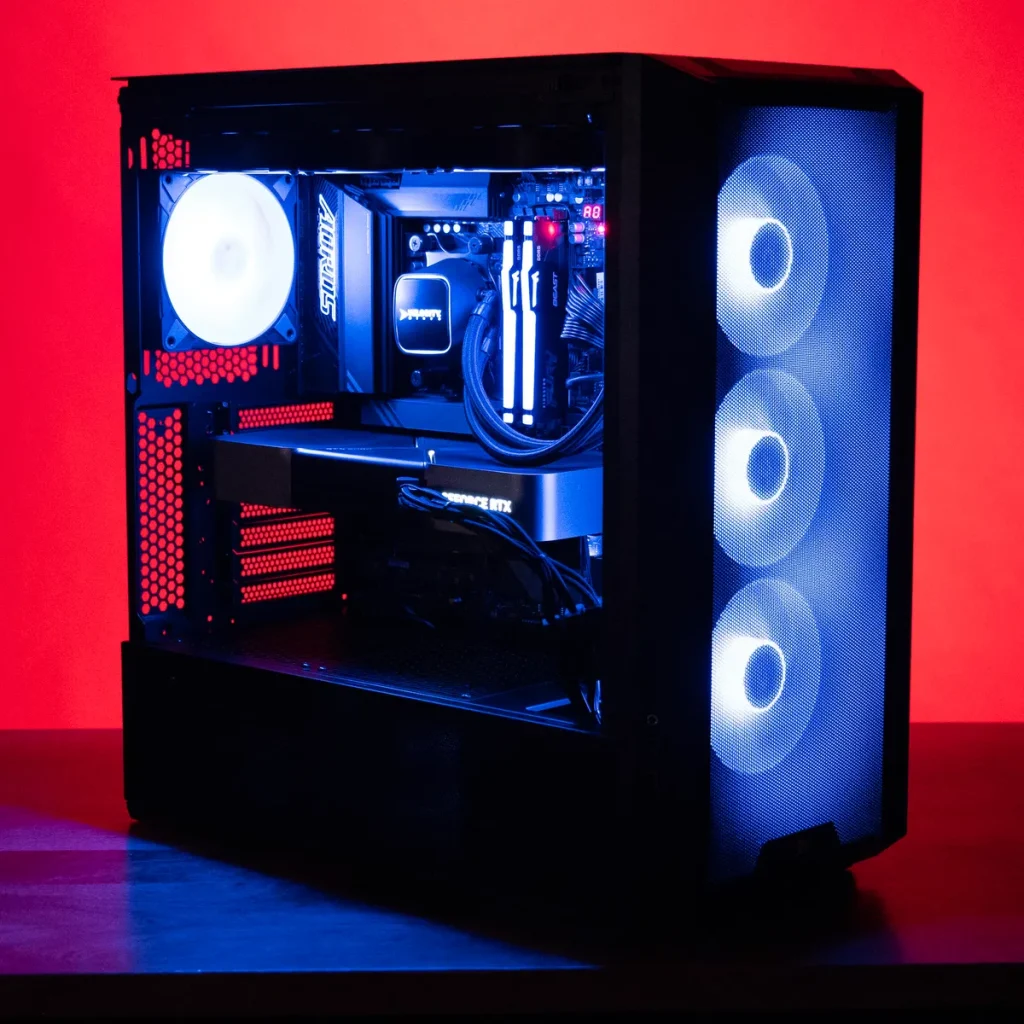
What to Look For When Buying a Gaming Computer Setup
1. Your Budget Comes First
Before anything else, decide how much you’re willing to spend.
🎮 Entry-Level: Approx. $700–$1,000
Great for esports and older games at medium settings.
⚡ Mid-Range: Approx. $1,000–$1,600
Best balance of performance for new AAA games.
💎 High-End: $1,600+
For maximum graphics and performance at high resolutions and framerates.
💡Tip: Don’t overspend on features you won’t use right away. Start with the essentials, then upgrade over time.
2. Central Processing Unit (CPU)
The CPU is the brain of your computer.
What to look for:
- High clock speed – better performance for games and multitasking
- Multiple cores/threads – especially useful for streaming or content creation
🧠 Recommended Brands:
- Intel (i5, i7, i9 series)
- AMD Ryzen (Ryzen 5, Ryzen 7, Ryzen 9)
💡Tip: For gaming, a strong mid-to-high CPU paired with the right GPU matters more than the absolute best CPU alone.
3. Graphics Processing Unit (GPU)
This is the most important part of a gaming PC.
🖥️ It determines how well your games run — resolution, framerate, and graphics quality.
What to look for:
✅ VRAM (Video Memory):
- 4GB–6GB – entry-level
- 8GB–12GB – mid-range ideal
- 12GB+ – high-resolution gaming (1440p–4K)
🔥 Popular GPUs:
- NVIDIA – GTX 16-series, RTX 20/30/40-series
- AMD Radeon – RX 5000/6000/7000-series
💡Tip: If you want smooth 144fps performance or 4K gaming, prioritize a stronger GPU over upgrading other parts first.
4. RAM (System Memory)
RAM helps your PC run tasks efficiently — including games.
What to aim for:
- 16GB – ideal for modern gaming
- 32GB – future-proof and great for streaming/multitasking
💡DDR4 is common and affordable, while DDR5 is newer and faster (but costs more).
5. Storage: SSD vs HDD
Storage affects load times and system responsiveness.
✅ SSD (Solid State Drive):
Fast load times, smoother performance — essential for gaming.
❌ HDD (Hard Disk Drive):
Slower — okay for storing files, but not ideal for running games.
Recommended Storage:
✔ 1TB SSD – Perfect balance of speed and space
✔ SSD + HDD combo – SSD for games, HDD for files
💡Tip: NVMe SSDs are faster than regular SATA SSDs and worth the upgrade.
6. Power Supply Unit (PSU)
The PSU feeds power to your whole system — don’t cheap out here.
✔ Choose a reliable brand
✔ Aim for 80+ Bronze or higher efficiency
✔ Get enough wattage (e.g., 650W–850W for most builds)
⚠ A weak PSU can cause instability or damage components.
7. Cooling and Airflow
Gaming rigs generate heat, especially under heavy usage.
What helps:
- Quality CPU cooler
- Case with good airflow and fan placement
- Optional liquid cooling for high-end systems
Overheating can throttle performance, so cooling is important.
8. Monitor Compatibility
Your monitor affects how well your system feels in actual gameplay.
Key specs:
🔹 Refresh Rate: 60Hz (basic) → 144Hz / 240Hz (smooth gameplay)
🔹 Resolution:
- 1080p — easiest to run
- 1440p — sharper
- 4K — most demanding
💡 Match your GPU with a monitor you can take advantage of — if the GPU struggles at 4K, you won’t benefit from a 4K screen.
9. Keyboard, Mouse & Accessories
A gaming setup isn’t complete without:
🔹 Mechanical Keyboard – faster response, better feel
🔹 Gaming Mouse – high DPI and programmable buttons
🔹 Headset – clear chat and immersive sound
These aren’t just nice-to-have — they affect your performance and comfort.
10. Future-Upgradability
A good gaming setup should let you upgrade parts over time.
Ask:
✔ Will I be able to upgrade GPU later?
✔ Can I add more RAM?
✔ Is the case spacious and well-ventilated?
Future upgrade flexibility means your system lasts longer.
11. Pre-built vs Custom Build
🔧 Custom Build – More control, usually better value
👍 Pre-built PC – Convenient and ready out-of-the-box
If you’re new to building PCs, pre-built systems from trusted brands are a solid choice.
12. Warranty and Support
Make sure your system or parts have good warranty coverage — this protects your investment.
Quick Checklist Before You Buy
📌 Strong GPU
📌 At least 16GB RAM
📌 SSD storage
📌 Good PSU
📌 Quality cooling
📌 Monitor with matched refresh rate
📌 Upgrade path for the future
Final Advice
Think in terms of balance — a powerful GPU with an underpowered CPU won’t perform well, and vice versa.
🎯 Define what matters most:
✔ Competitive esports?
✔ AAA gameplay with high graphics?
✔ Streaming while gaming?
Then build your setup around that priority.
Bonus Tip
If you don’t need maximum performance yet, consider buying a slightly lower spec now and upgrading in 6–12 months — newer hardware often arrives fast and cheaper over time.

0 Comments
This is exactly what i was looking for, thank you so much for these tutorials
It would be great to try this theme for my businesses
What a nice article. It keeps me reading more and more!